
Choose Photos
Pick photos from your library or use an existing album.

Compare photos two at a time, and Chūzr builds your ranking.
Download on the App Store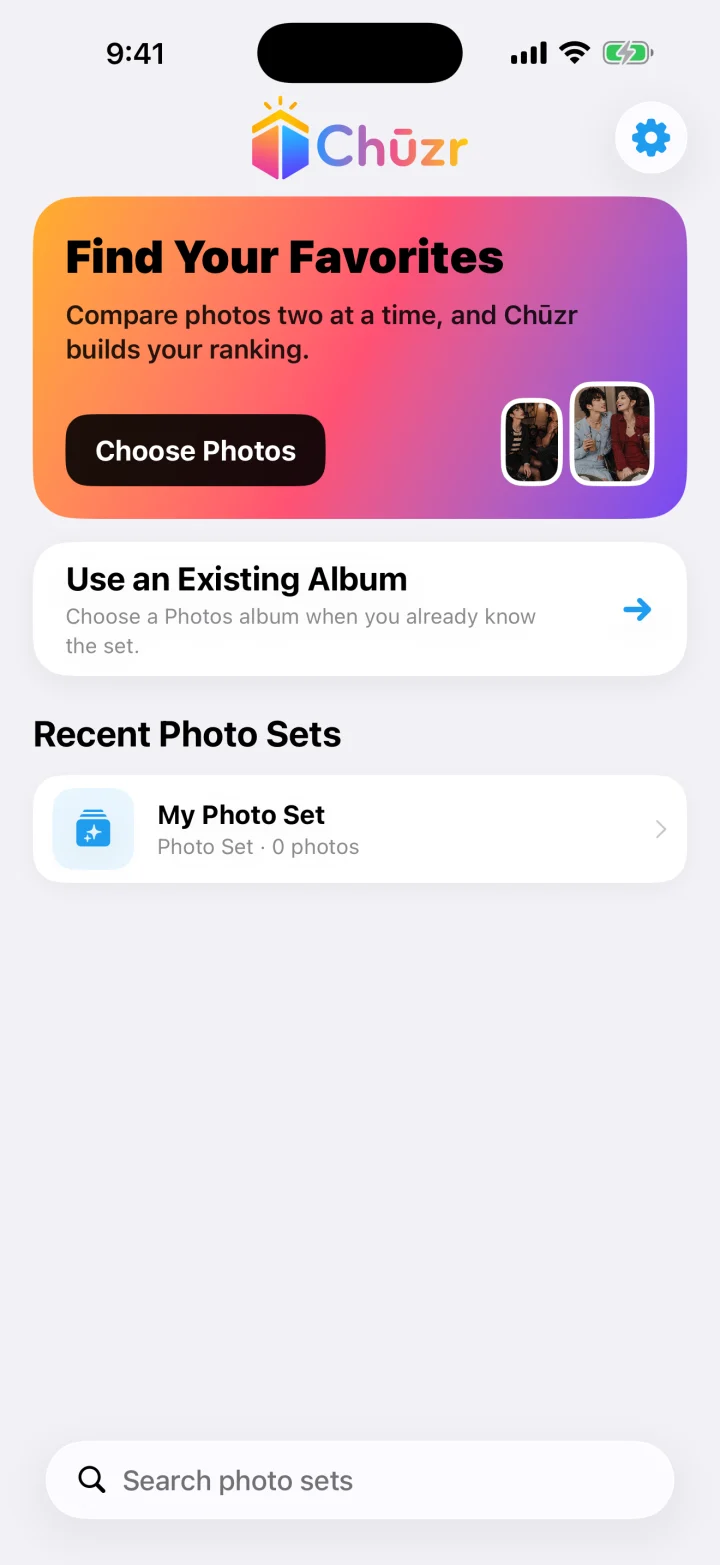
Pick photos from your library or use an existing album.
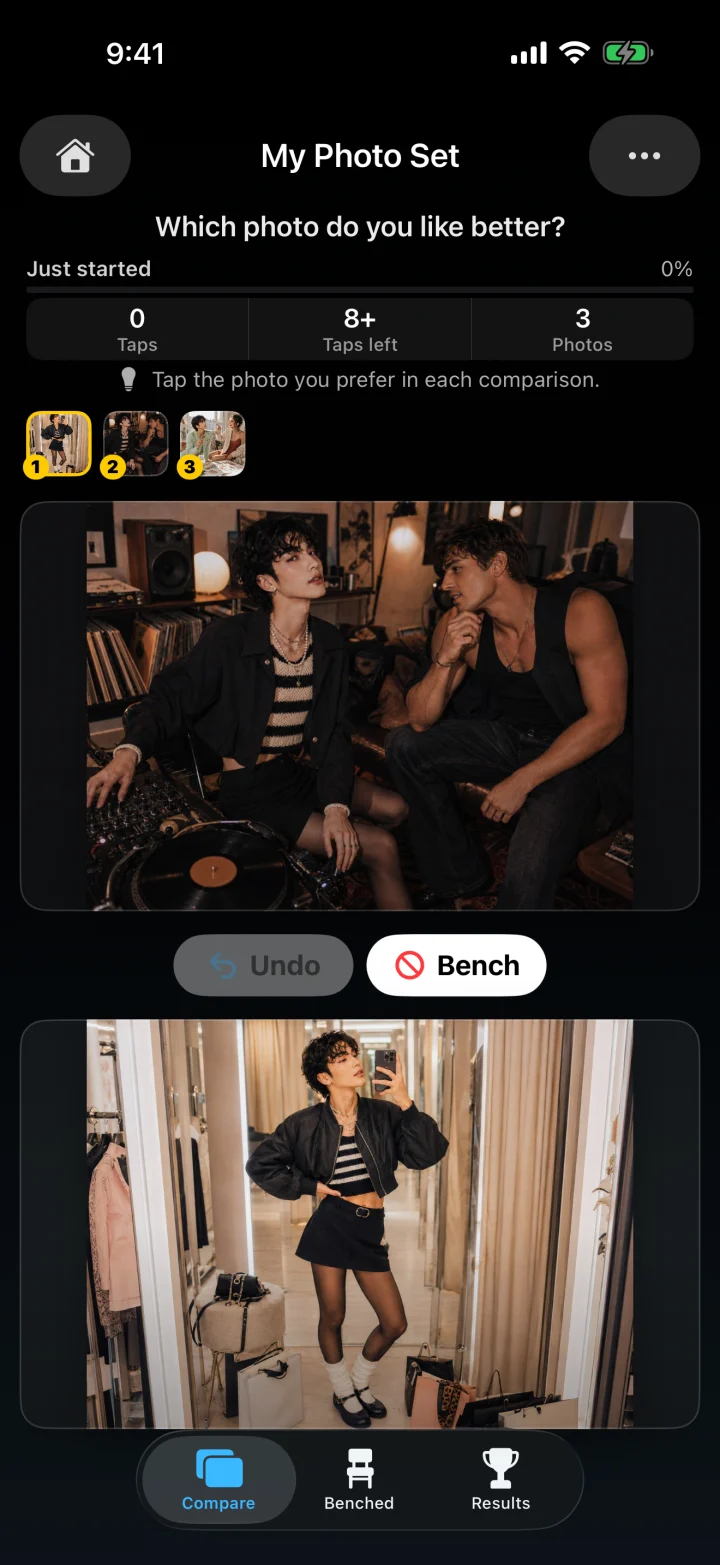
Tap the photo you prefer in each pair.
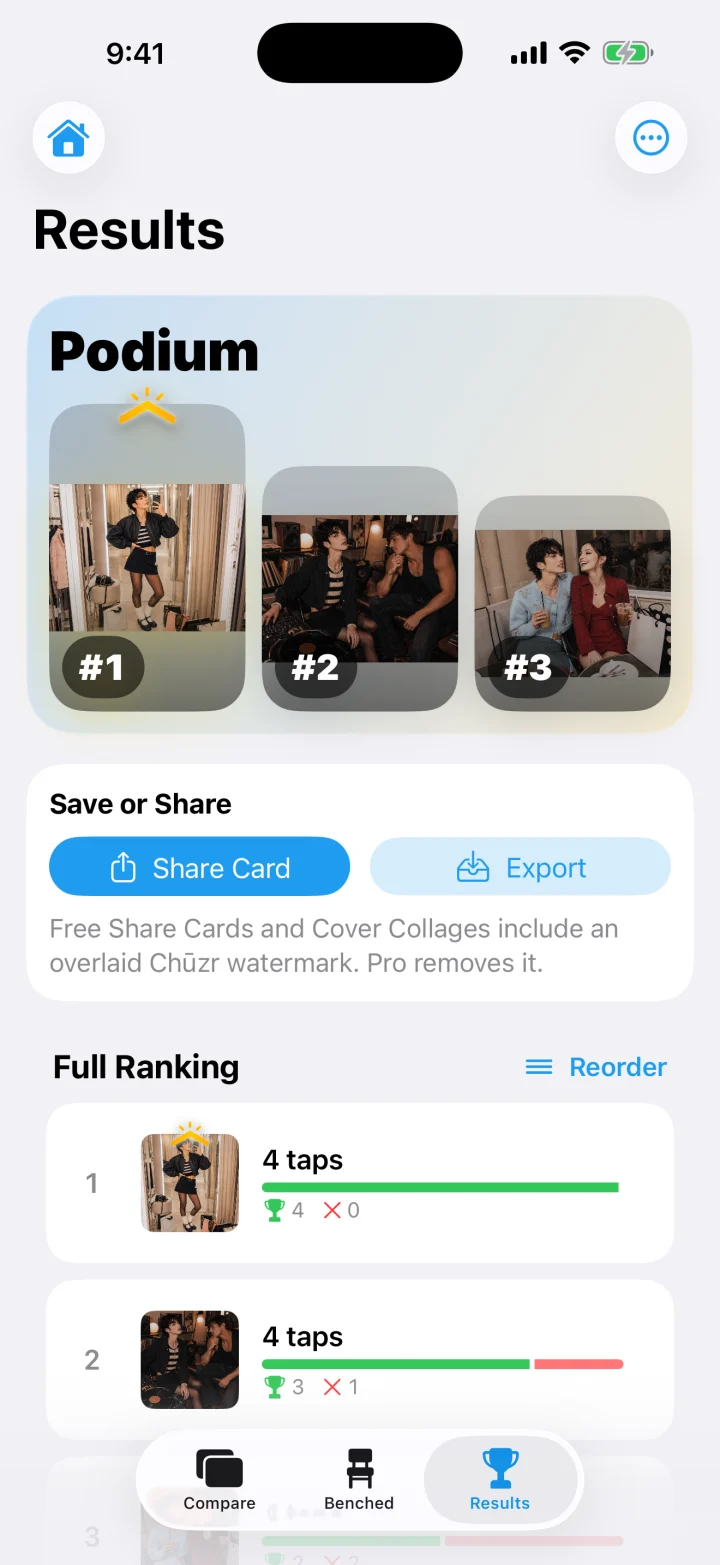
Review the order, rearrange it if needed, then save or share.
Chūzr keeps comparing simple and puts your favorites in a clear order.
Chūzr works on your device. It does not require an account and does not upload your photos or ranking history to a Wolf & Ducks server.